Ledge:
Your Markdown Planner
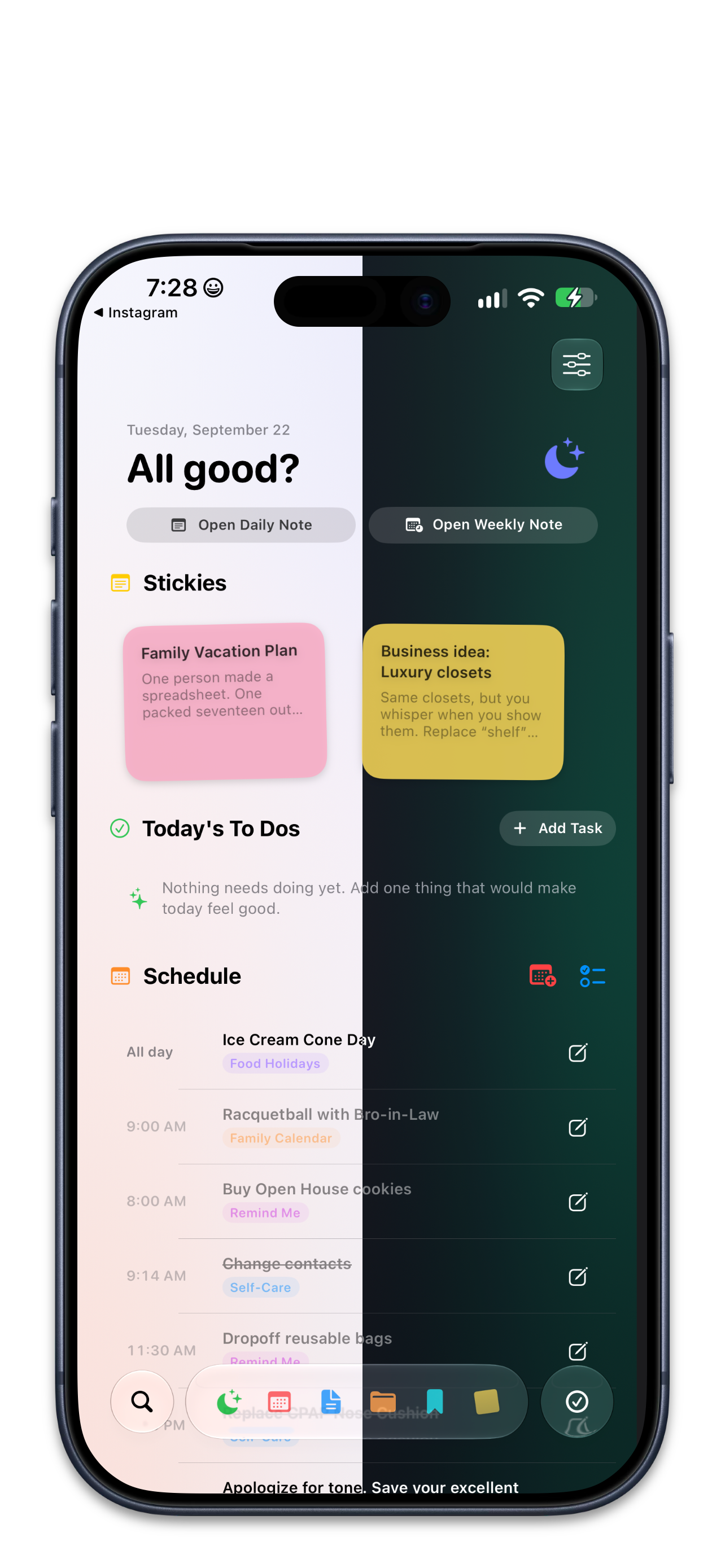
Ledge uses Markdown to keep your planning frictionless. Unlike productivity tools that trap your data in proprietary formats, Markdown lets you format schedules and organize ideas using simple keystrokes, so you never have to take your hands off the keyboard. Because everything is stored as plain text, you actually own your work. You aren't locked into a closed ecosystem—your files remain universally portable and completely future-proof.
Your files are your own. Why give them to anyone else? With Ledge, you own your files and use on-device capabilities so that your information never leaves your control. Plus, its pretty easy on the eyes.
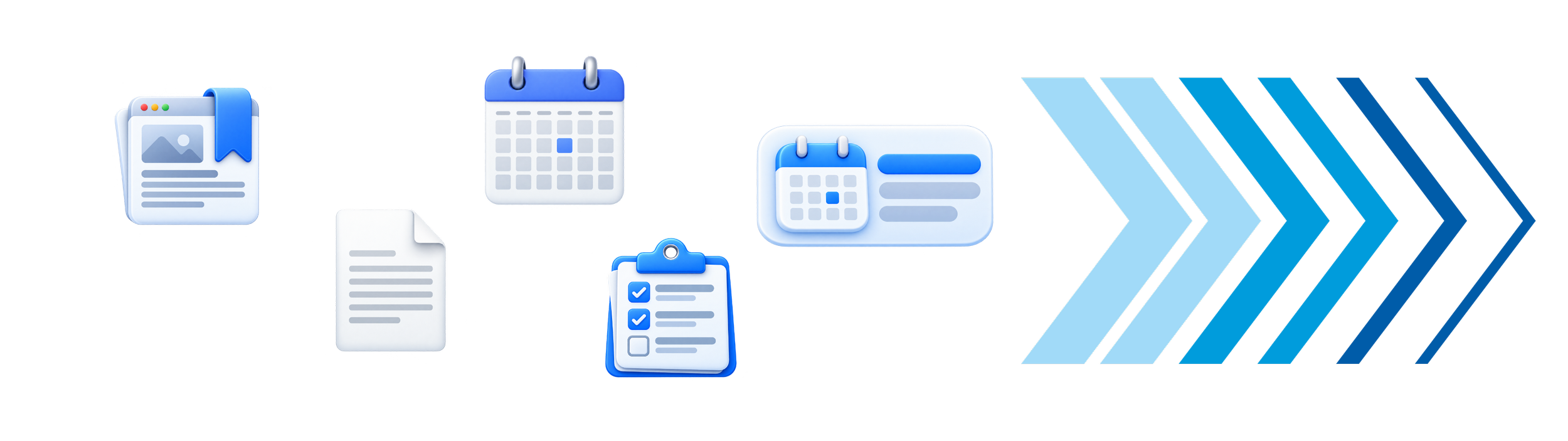
Markdown is a simple way to format text using basic keyboard symbols instead of clicking through menus. It lets you write and format instantly without taking your hands off the keyboard.
Headers: Type # Monday to create a large section header.
Tasks: Type - [x] Email client to generate a checked task box.
What is Markdown?
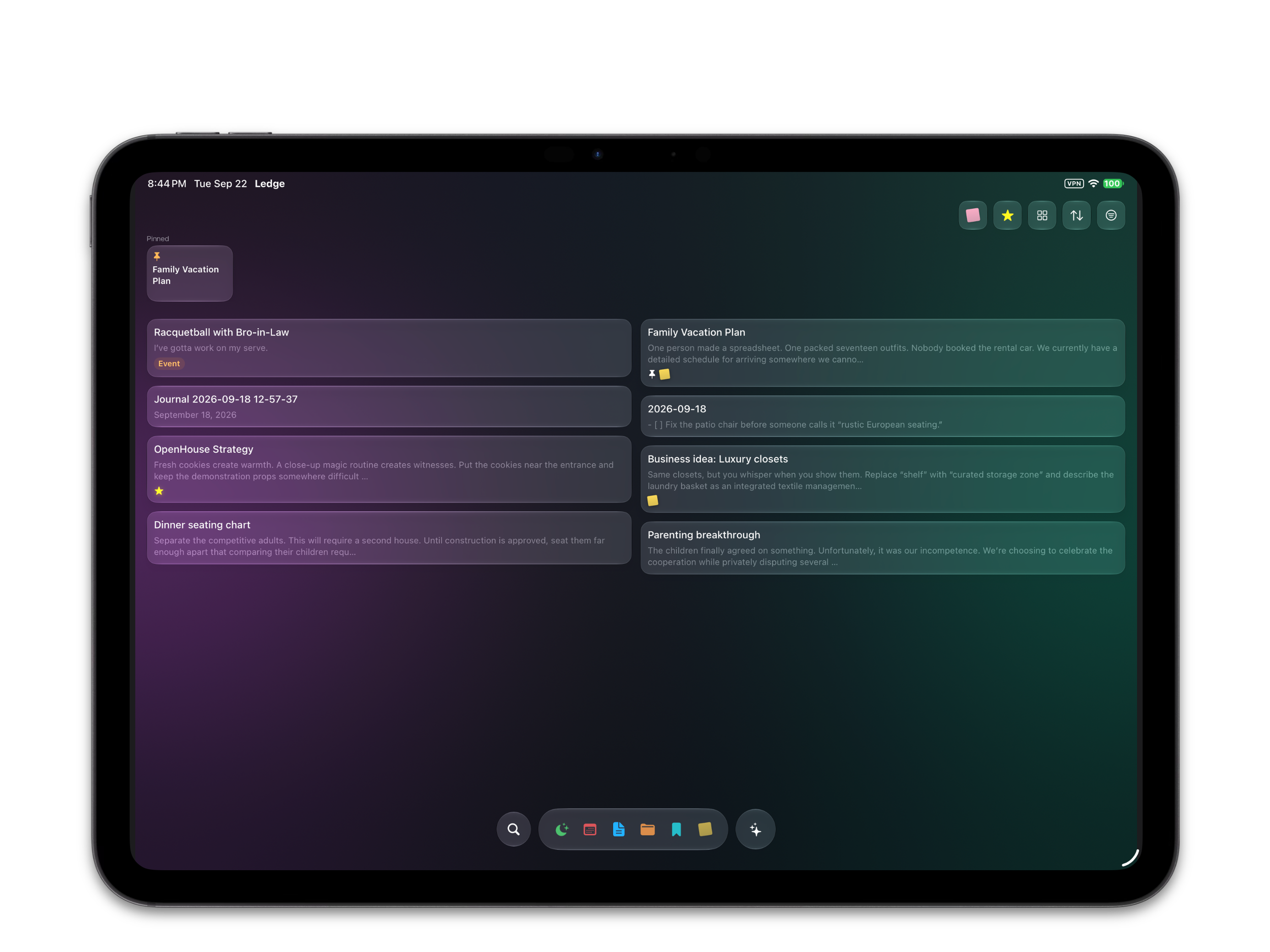
Everything On-Device
Everything Free.
Bring Your Own Vault: Read existing Obsidian vaults or create new ones locally. Your data stays entirely in your control, syncing directly via iCloud or your preferred on-device service.
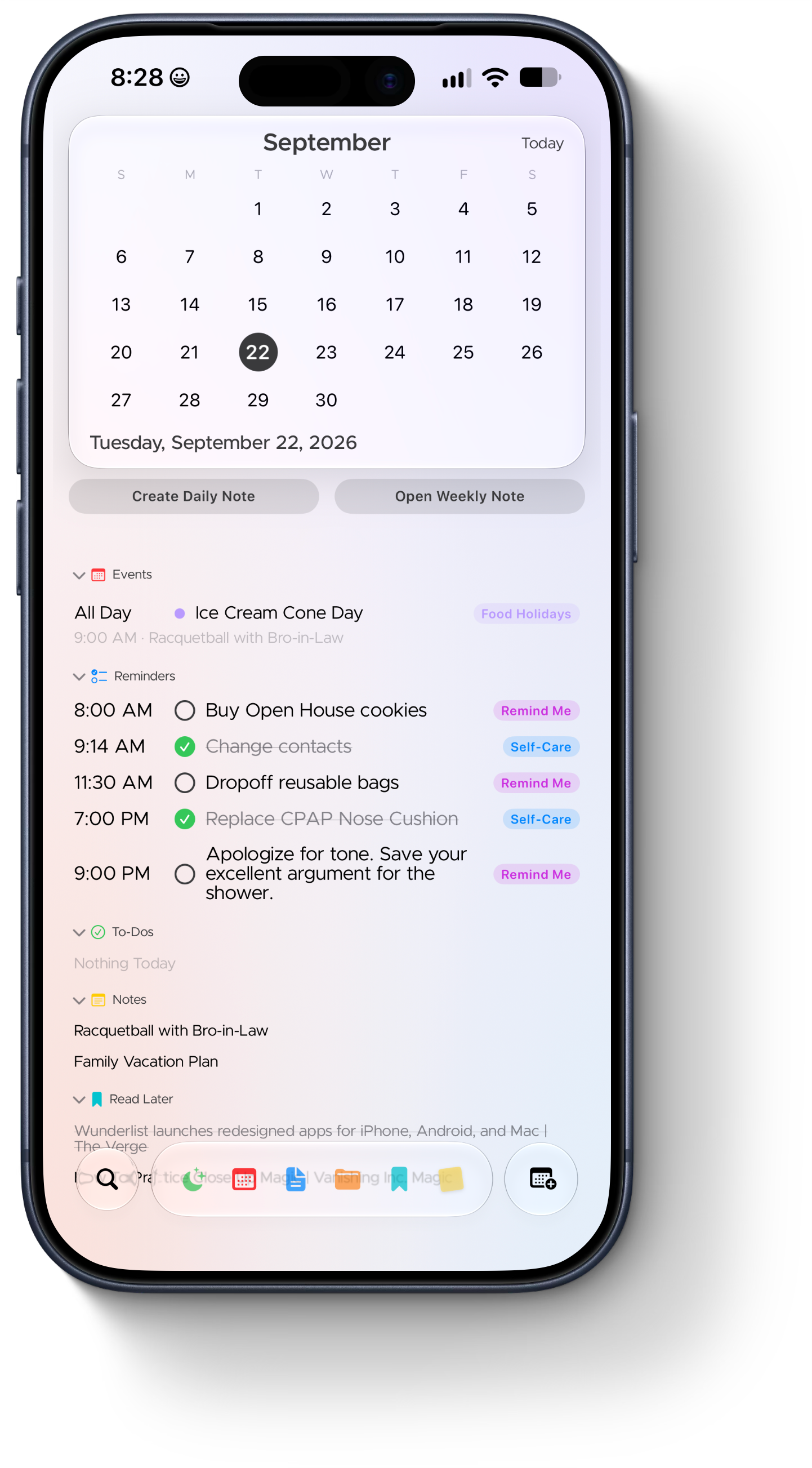
Apple Integration: Connect Apple Calendars and Apple Reminders to your workspace so your schedule and tasks live in one unified view.
Daily Notes: Create and edit daily notes to capture logs, track progress, and structure your day.
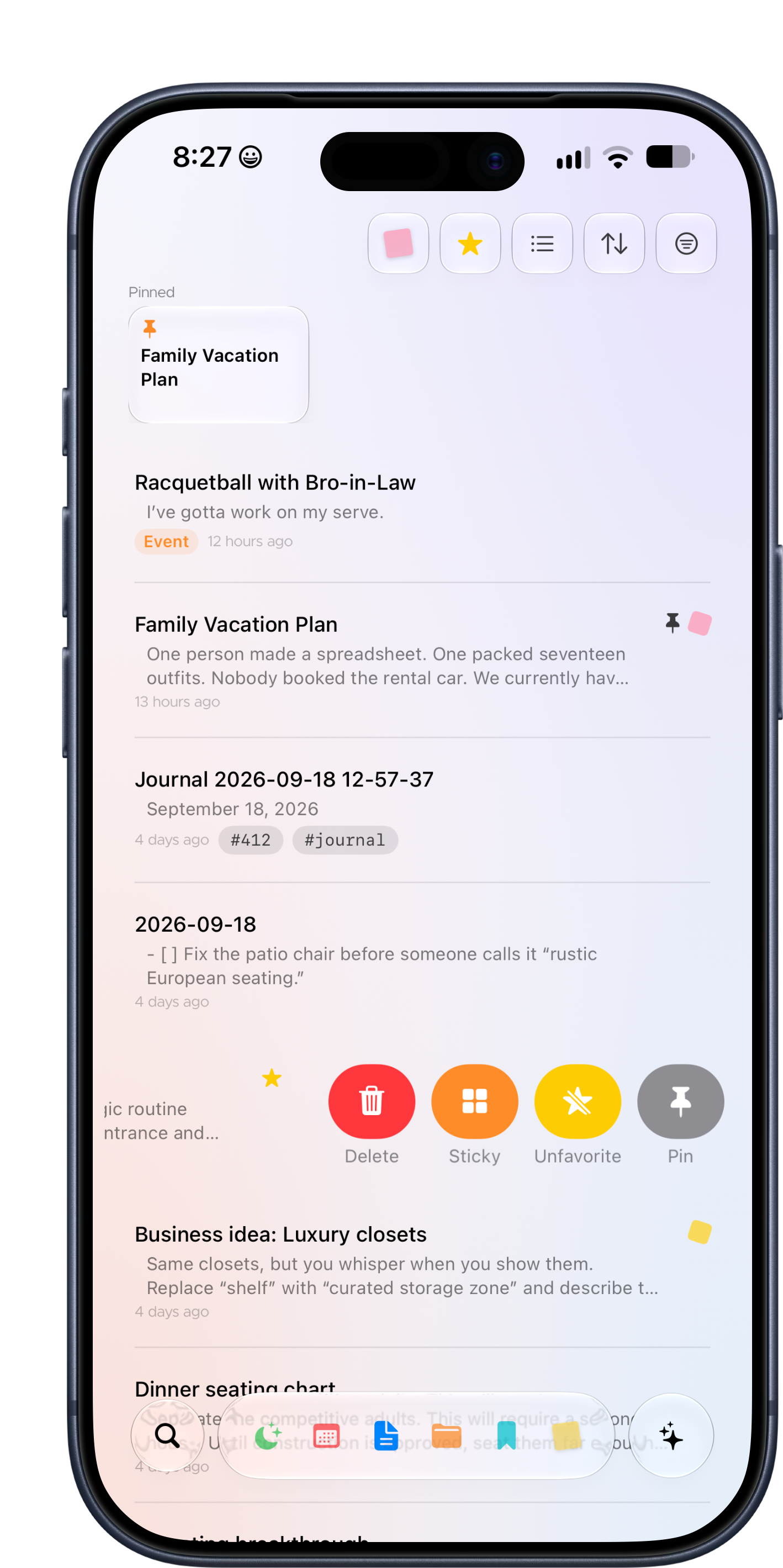
Instant Access: Pin and favorite your most critical files so they are always exactly where you need them.
Read-It-Later Web Clipper: Share websites straight to Ledge. The app automatically converts articles into clean, readable Markdown without the web clutter.
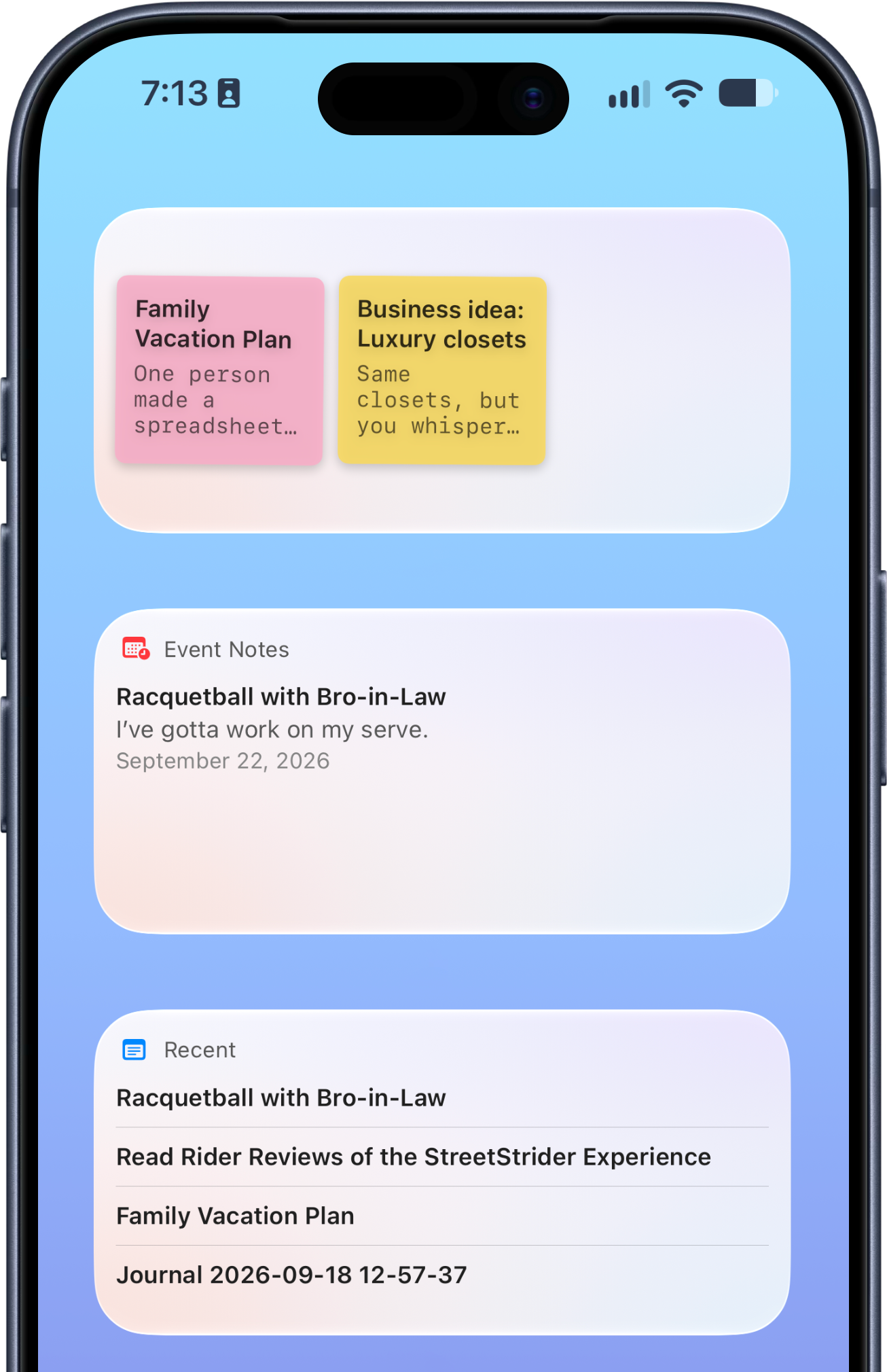
Dynamic Sticky Notes: Turn any standard Markdown note into a floating sticky note for rapid reference while you work.
Unlock a few advanced features for a one-time price!
Reminders and Markdown To-do Syncing: Seamlessly export Markdown to-dos to Apple Reminders with ongoing, two-way sync so your action items stay updated across all your devices.
Structured Audio Notes: Capture thoughts hands-free with private, on-device audio transcription that automatically breaks down summaries, key points, and action items.
Smart Meeting Links: Automatically connect meeting notes directly into your Daily Notes so essential context is right where you need it.
Automated Weekly Rollups: Link Daily Notes straight into Weekly Notes for effortless high-level tracking and weekly reviews.
Chromatic Tags: Bring instant visual hierarchy to your system using custom tag colors and automatic color palettes.
Multi-Vault Support: Create additional vault folders to keep personal notes, work projects, and client spaces completely distinct.
Vault Analytics: Track note velocity, total volume, and activity patterns with built-in stats on your knowledge base.